



Derail Valley Instructions
THIS QUICK START APPLIES TO
Install Derail Valley
To use the RailDriver, you’ll need Derail Valley installed from Steam.
Get Derail Valley
No Extra Software Needed
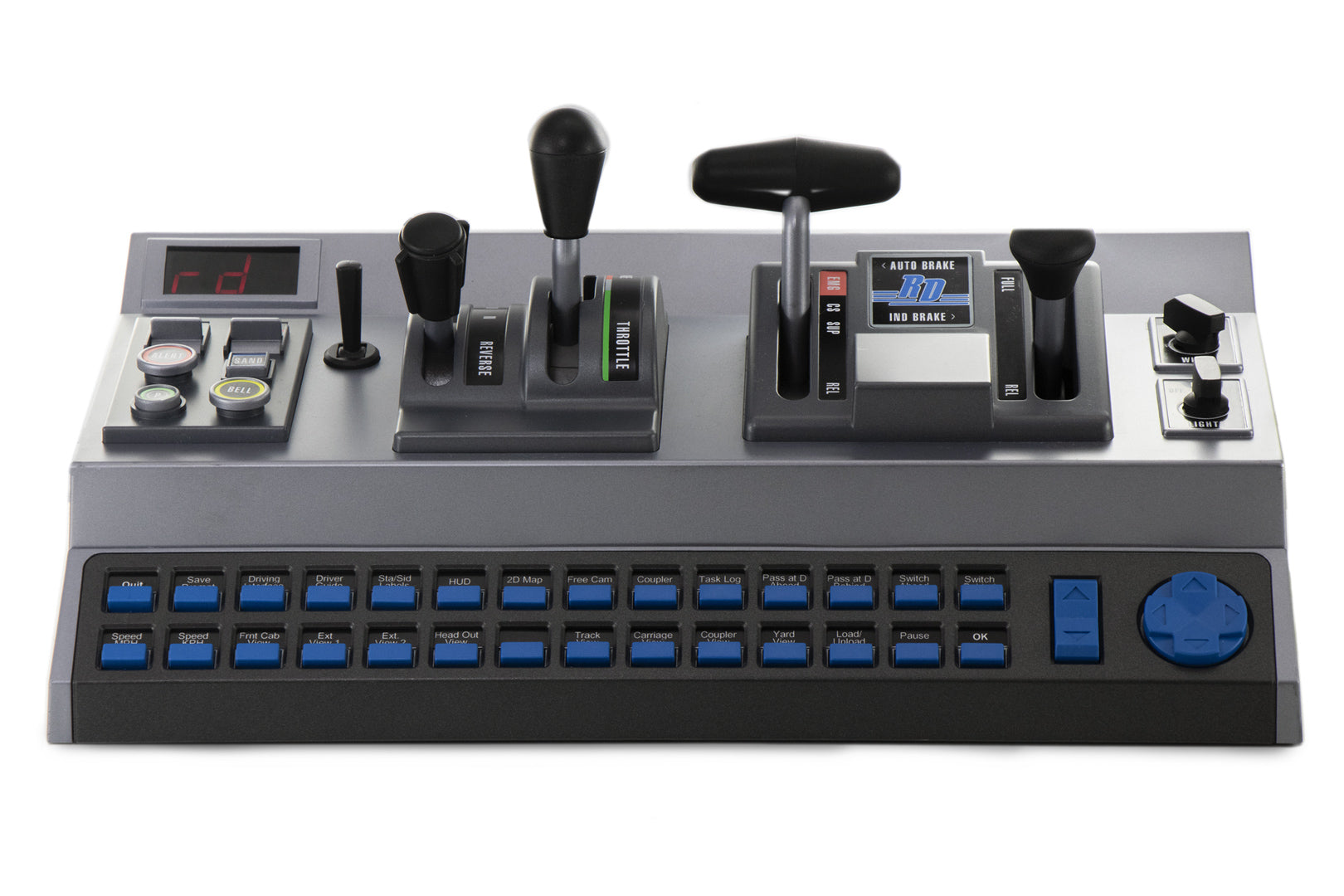
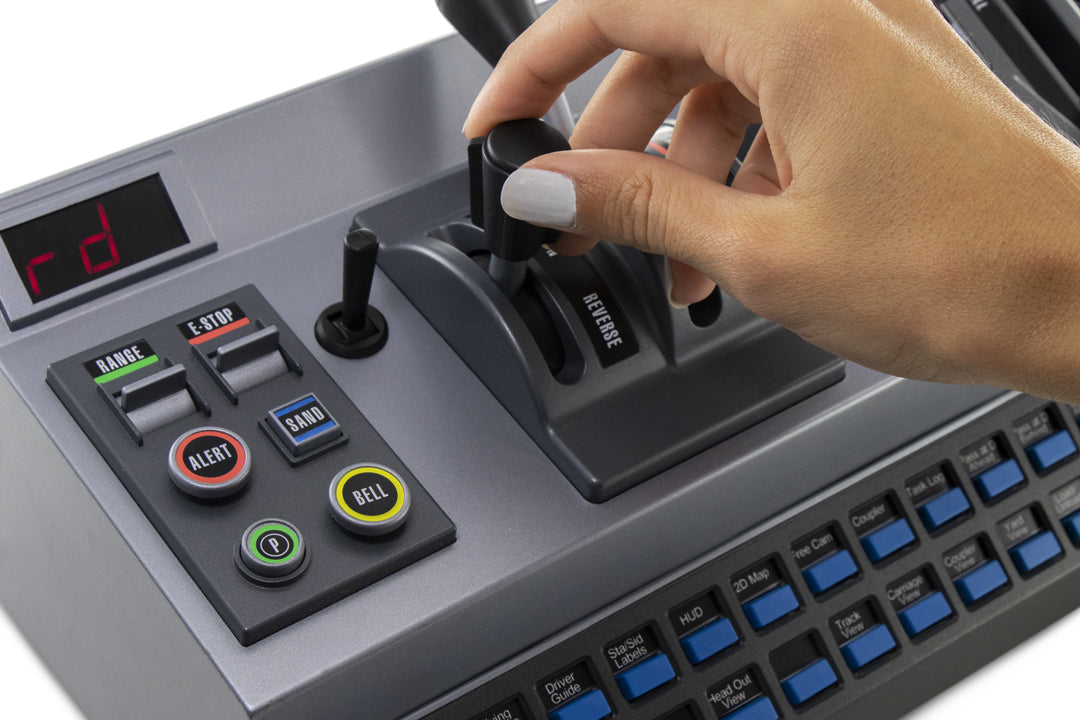
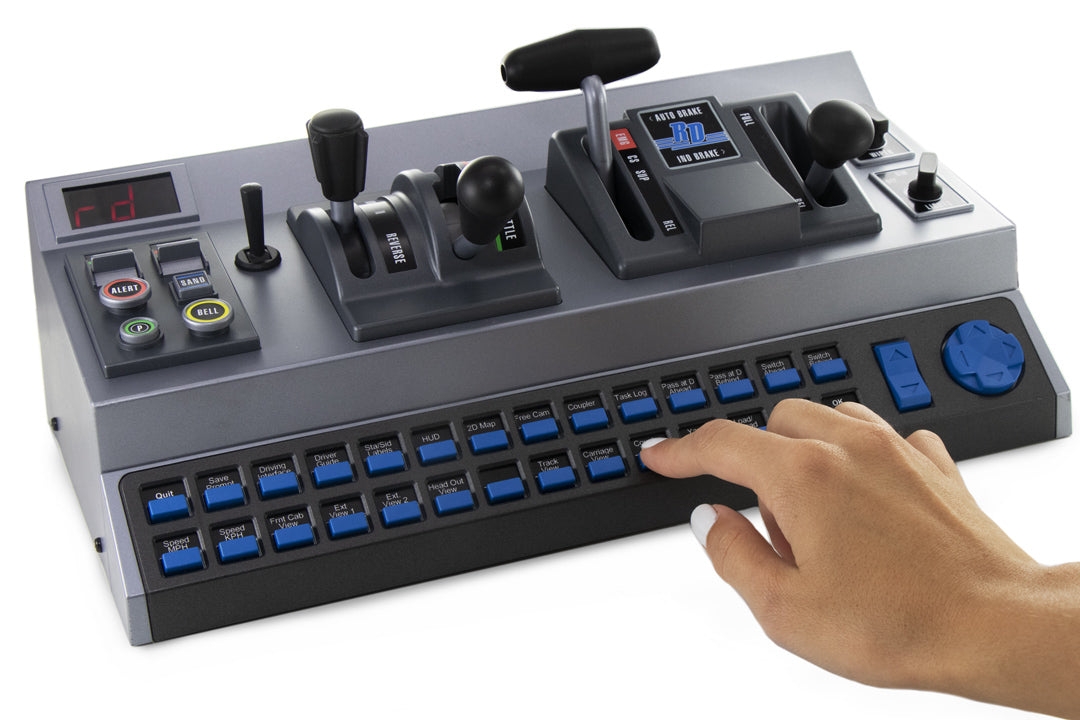
Derail Valley includes built-in support for the RailDriver Train Cab Controller. Calibration is handled directly inside the game—no additional software required.
Set-up and Features
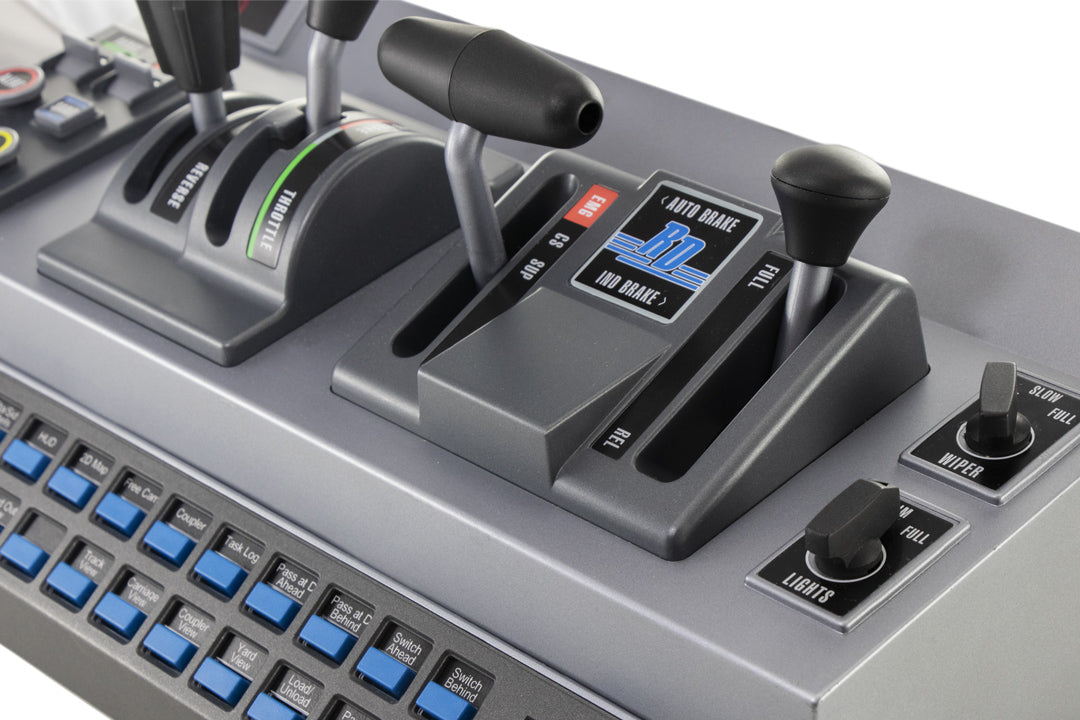
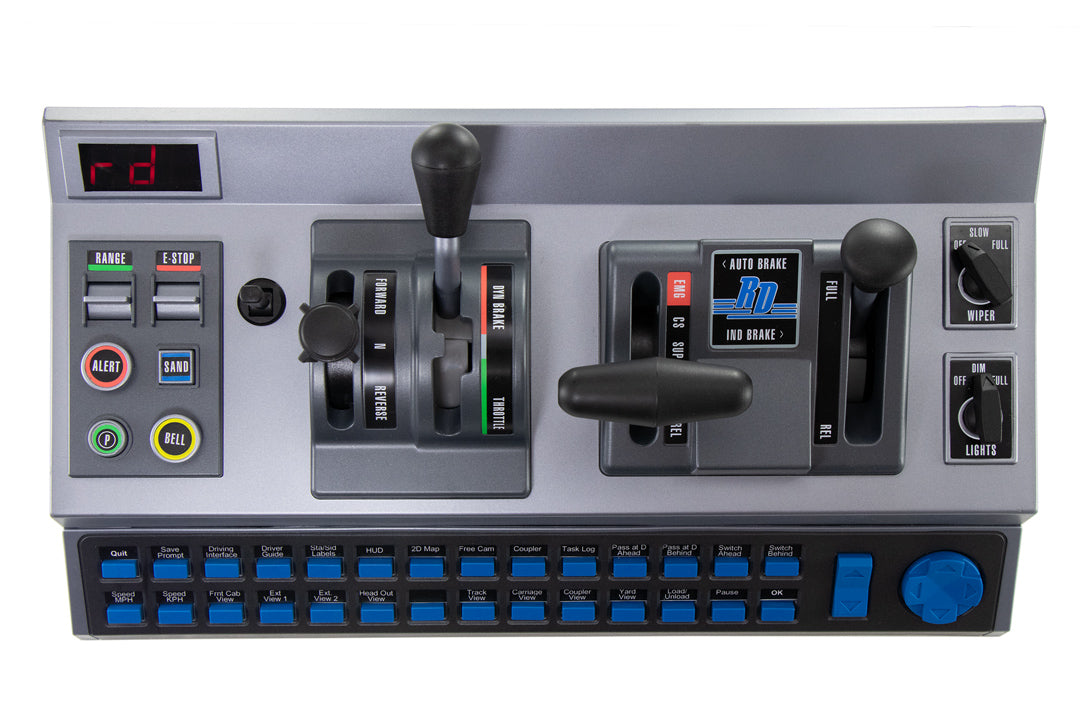
Simply plug in your RailDriver and launch Derail Valley. Calibrate the controller by going to Settings>Controls>Control Binding>Calibrate. Players can remap controls within the game to suit their preferences.
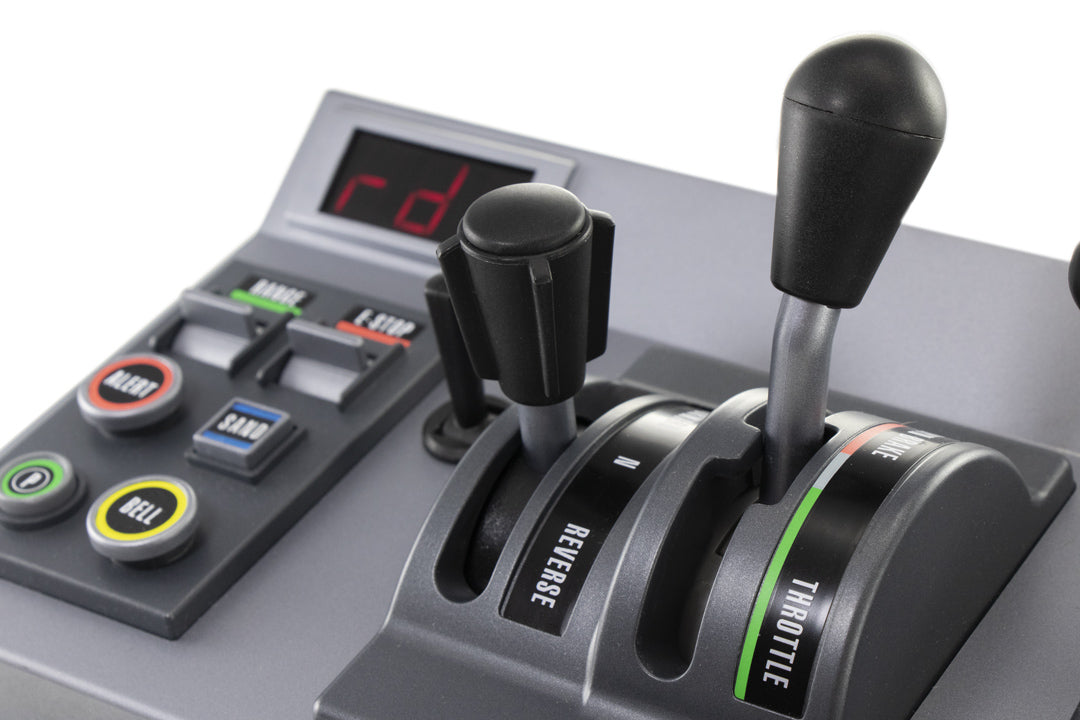
RailDriver works seamlessly with VR mode, and the digital display on the controller is fully functional, adding to the realism of your train driving experience.

Derail Valley RailDriver Legends
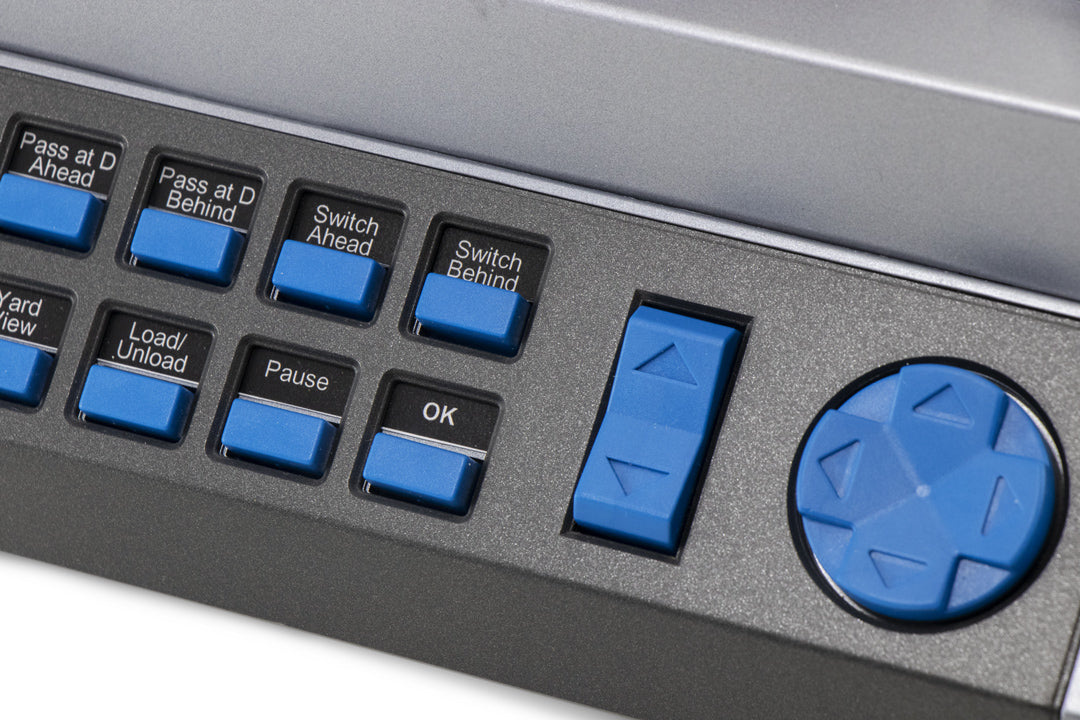
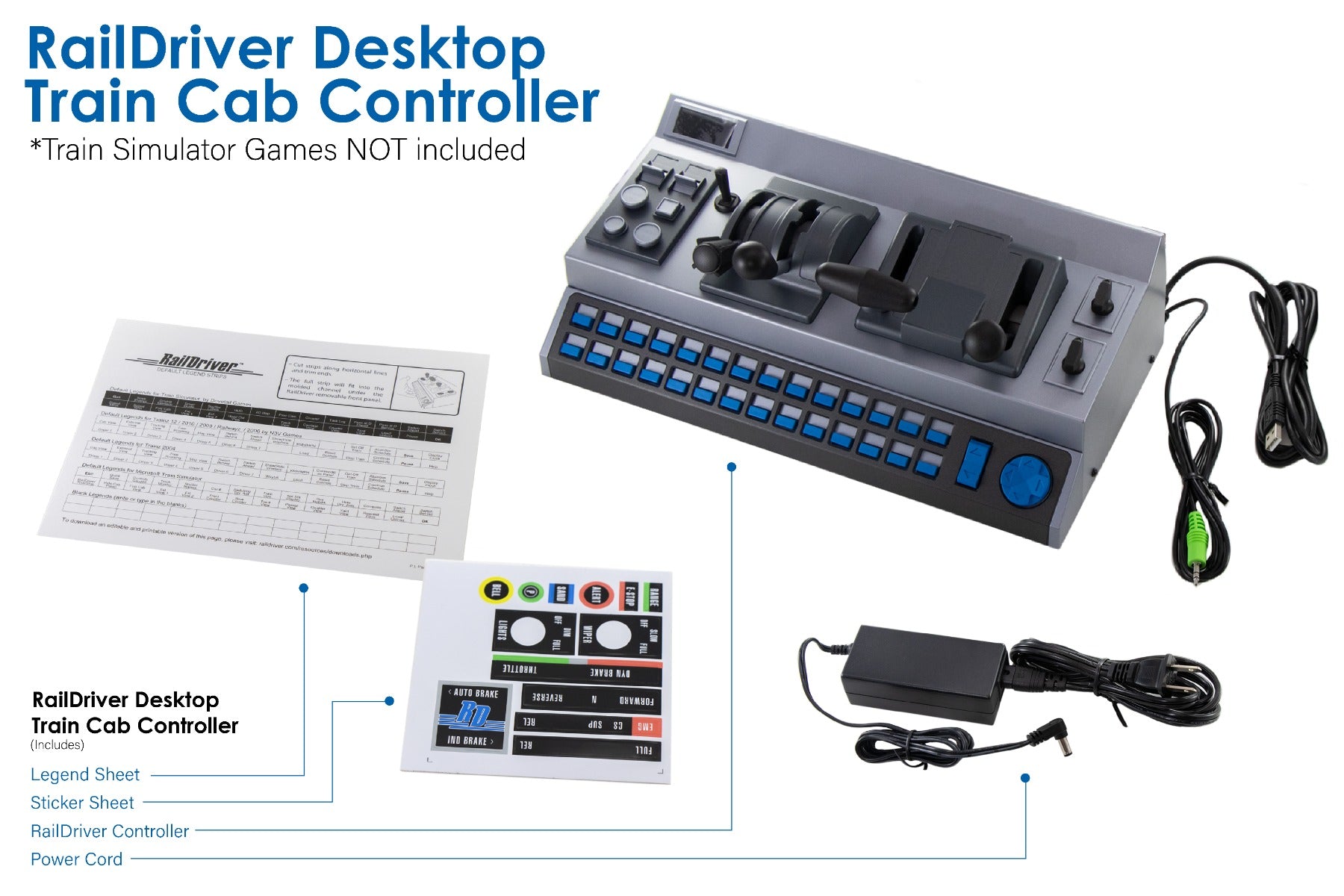
Print-and-cut legend sheet matching the default Derail Valley controls. The legends may easily be printed on an 8½" x 11" sheet and cut to fit under the front panel of the RailDriver.
Download PDF


AMERICAN ENGINEERING & MANUFACTURING
